Conrad Combination Press Etching / Litho Conversion Manual
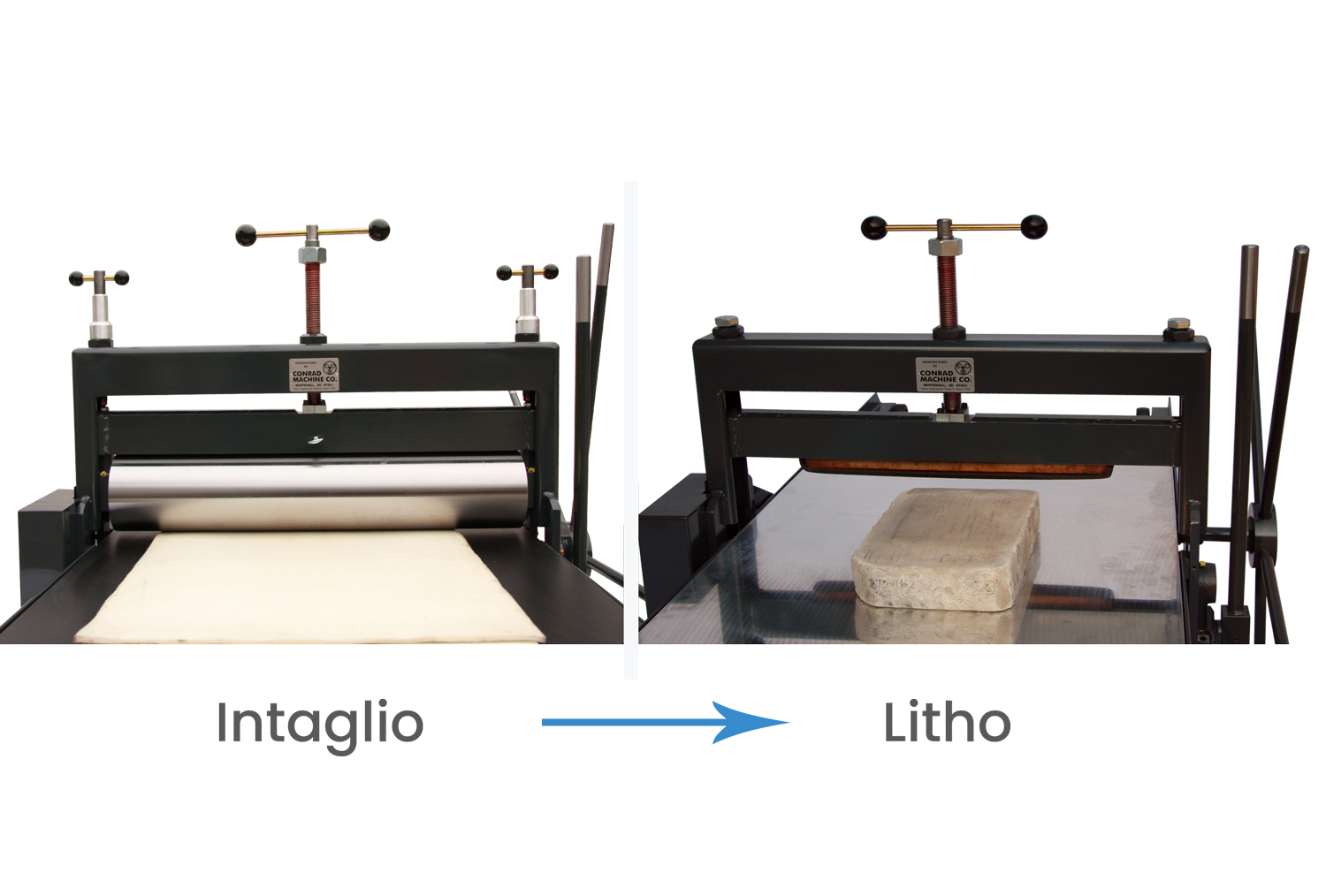
Conversion Manual.
Conrad Machine is proud to offer the unique C-25 Combination Press. Utilizing over 60 years of press manufacturing experience, The Conrad Combination press prints any medium: intaglio, relief, and lithography. The upper roll assembly just slides out from the scraper bar housing and is replaced by a scraper bar.
In less than five minutes, you are ready to print lithography! The Combination Press has found great favor with colleges and universities worldwide as well as professional studies for its versatility and durability.
Replacing the upper roll on a Conrad combination press is simply and only takes a few minutes. Here are some simple instructions for switching your Conrad Combination press from an etching press to a litho press.
Combo Press Conversion From Etching to Litho Steps
Simple Conversion.
Lower the Upper Roll
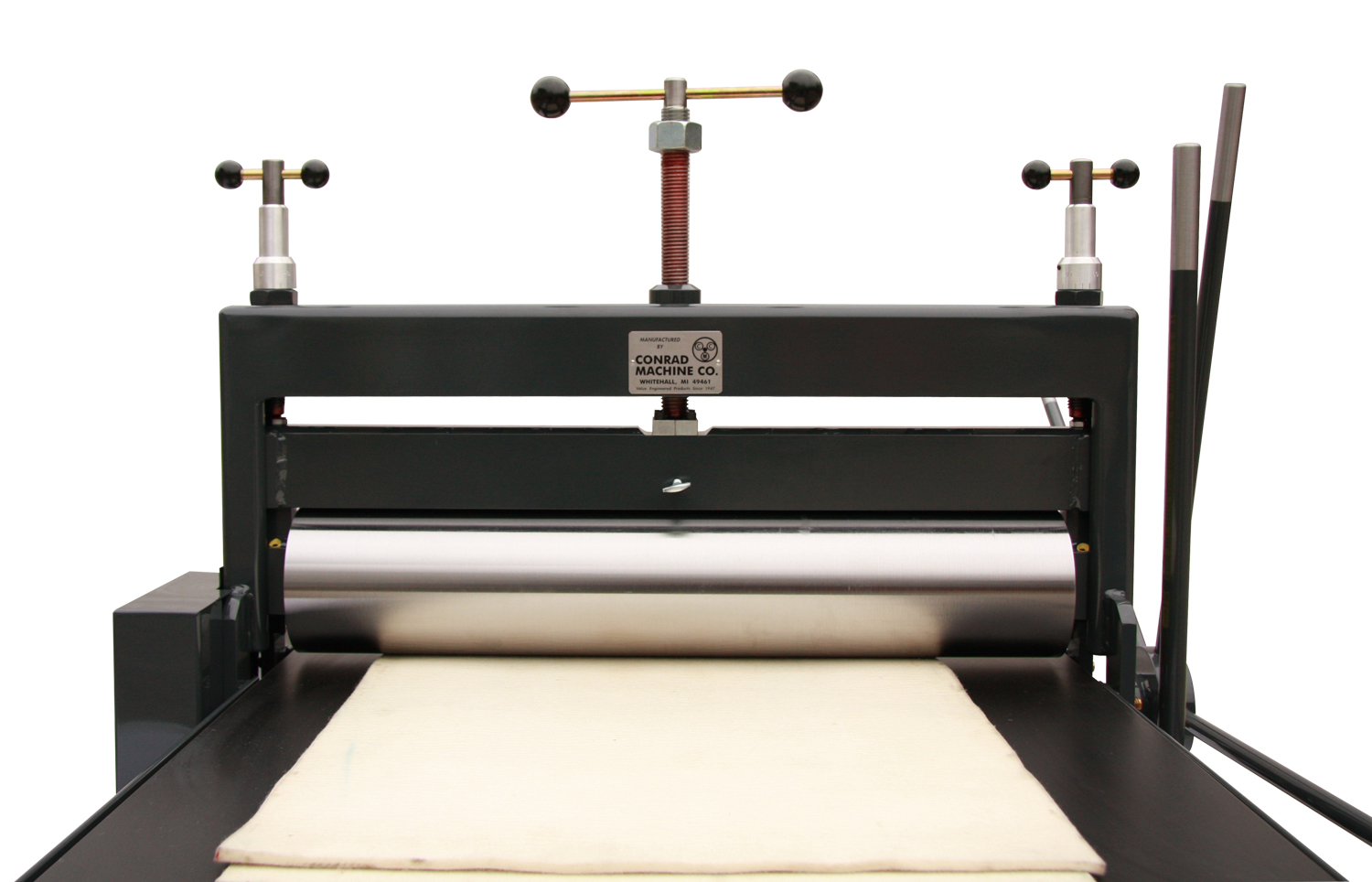
Before you try to remove the upper roll, make sure that the closing lever is in the upright position and bedplate is at the lowest point.
Next, you can upper the roll by turning the center clockwise. Until the upper roll is touching the bedplate. You may want to place your felts blankets on the bedplate before you take the roll out to protect the bedplate.
Loosen and Remove Upper Roll Thumb Screw and Bolts
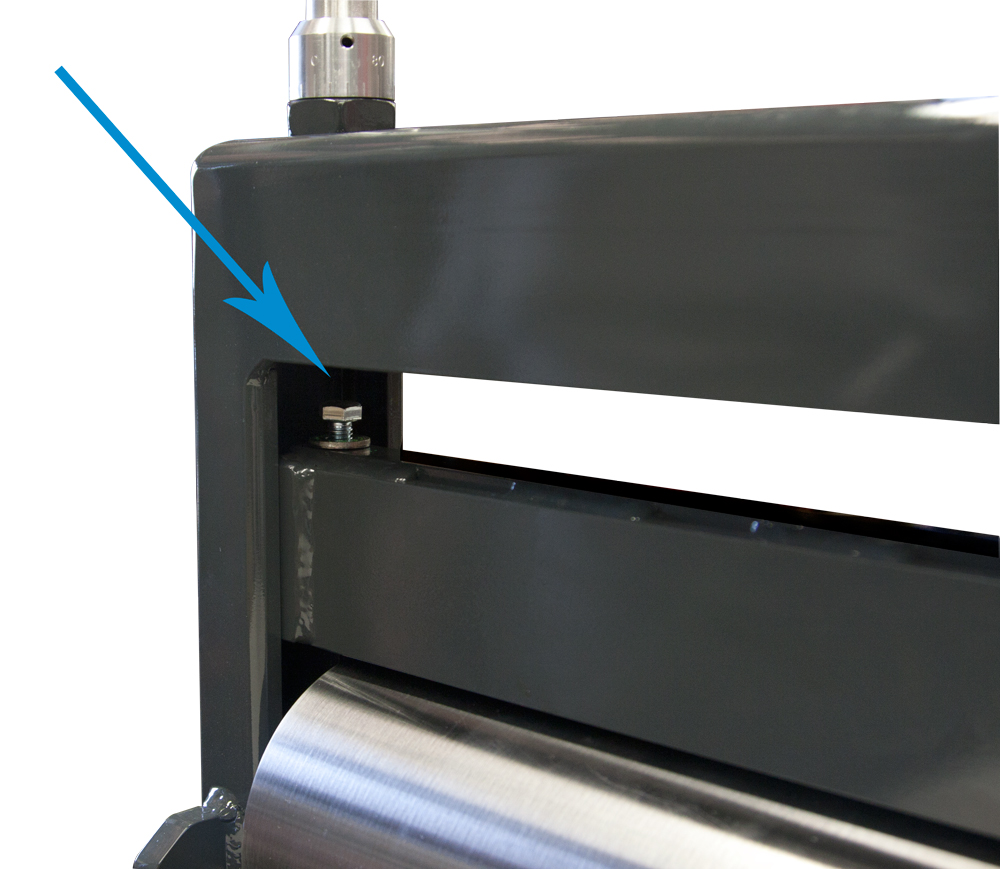
Next, the upper roll’s thumb screw and bolts will need to be loosened and removed from the upper roller/ scraper bar carrier. First, remove the thumb screw from the center of the carrier.
After the thumb screw is removed you can turn the gauges counterclockwise until they are raised enough to allow access to the carrier bolts on either side of the roll carrier. Once you have access to the bolts, you can use a 9/16″ wrench to remove the 3/8″ bolts on each end of the carrier.
Remove the Upper Roll
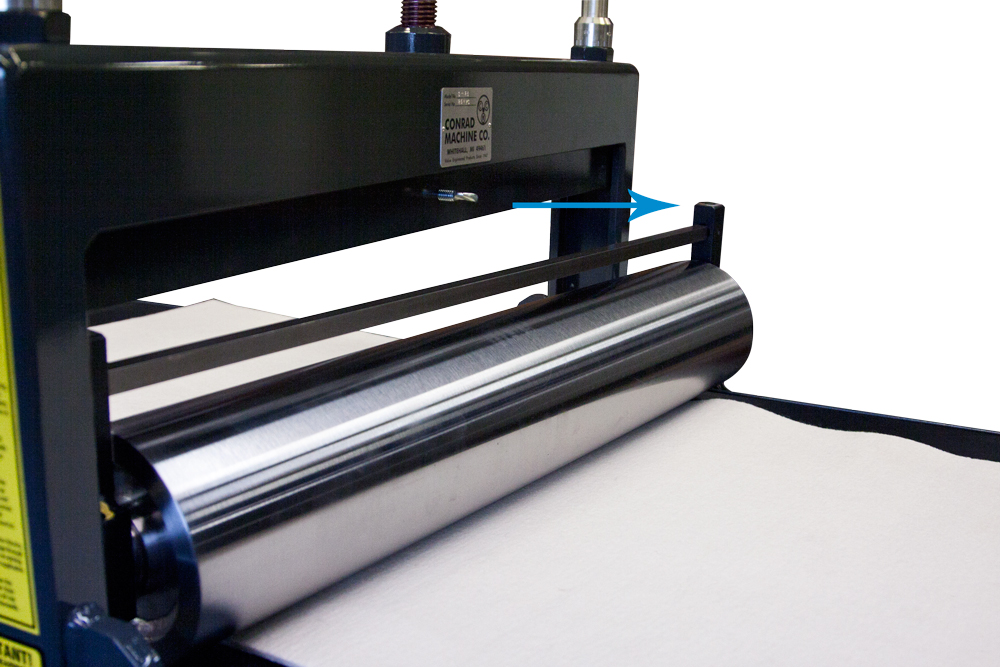
Once the thumb screw and both bolts are removed from the roll carrier, you can raise the upper roller carrier by turning the center pressure screw counterclockwise. This will raise carrier and leave the bearings and the upper roll on the bedplate.
Once the roll carrier is raised high enough to allow the upper roll to exit, stand on the drive side of the machine and pull the upper roll toward you. The upper roll bearing block will slide into the slotted column allowing the opposite bearing block to exit the column.
Still standing on the drive side of the press, turn/roll the upper roll clockwise across the bedplate. This will remove the backside of roll from the column. Once the entire roll is free from the column, you can lift the roll from the bedplate and place on a suitable stand.
Install Litho Scraper Bar
After the roller is safely placed on stand, insert the scraperbar in the scraper bar carrier and replace the thumb. Tighten the center thumb screw to secure the scraper bar in the carrier.
Congratulations, you are ready to start printing lithography! Once you are ready to convert your Conrad Combination press back into an Etching Press, simply reverse these steps.

Press Accessories
C-25 Press Essentials.
Don’t forget about the press accessories.
We make tons of cool supplies and accessories that go hand in hand with your press.
Press Stand / Workbench
Shop Press Stands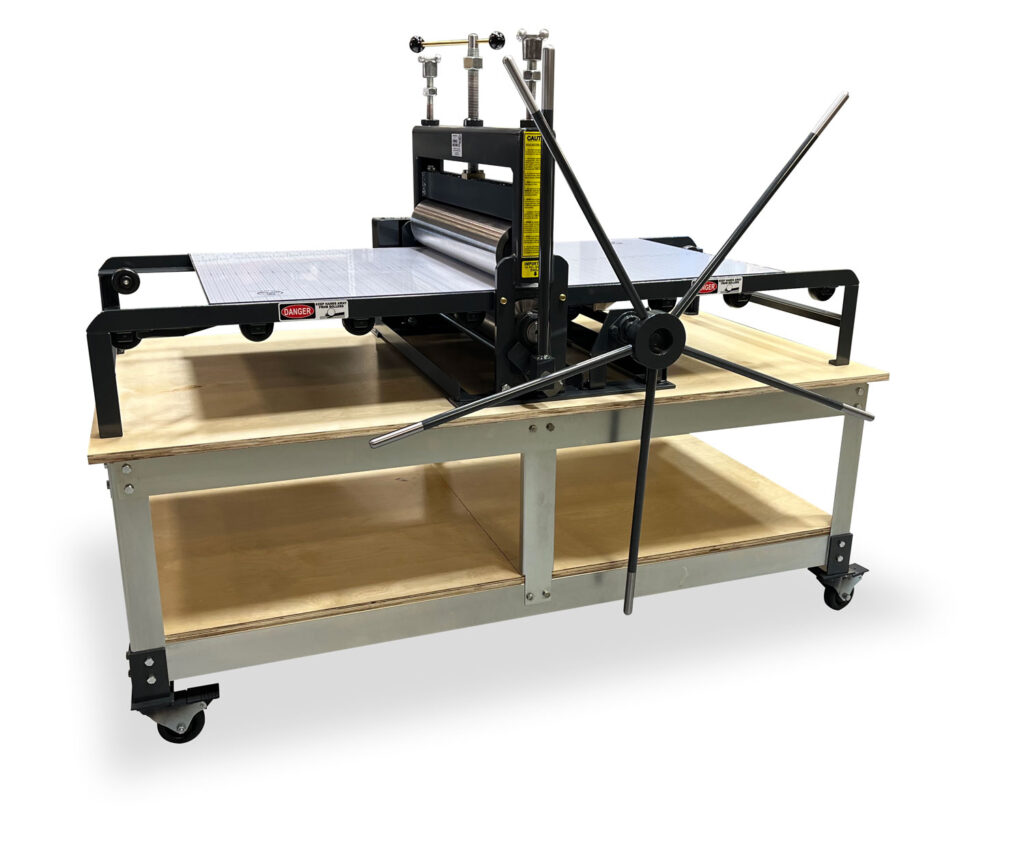

Printmaking Felt Blankets
Shop Felt BlanketsRegistration Grid & Protective Bed Cover
Shop Felt Blankets

Printmaking Supplies
Explore all the printmaking supplies you need to fill out your studio.
